Standard file formats — 169 images total (125 baseline JPEGs — photos,
demo art — and 44 Windows BMPs — UI graphics, the digital-drawbar caps and two
program-ROM icons), extracted with image_extract.py. These are shown in the
sections below; each caption gives the source ROM, byte offset, and dimensions.
Raw palette-indexed bitmaps — exactly like the KN5000:
headerless 4/8bpp indexed pixel data reached through a pointer hierarchy in the
table ROM (see Raw UI bitmaps at the bottom).
So the earlier “the KN7000 uses standard formats unlike the KN5000” is only
half the story: it adds JPEG/BMP but still keeps the KN5000’s raw-bitmap
design for its UI icons — one more piece of the
shared codebase.
Boot splash animation
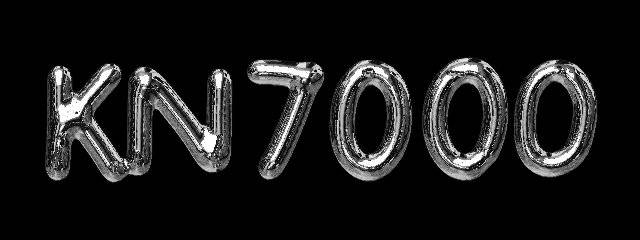
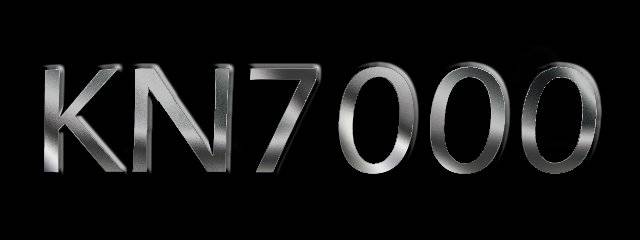
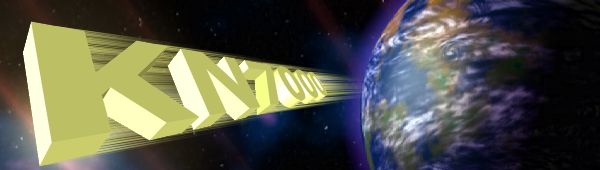
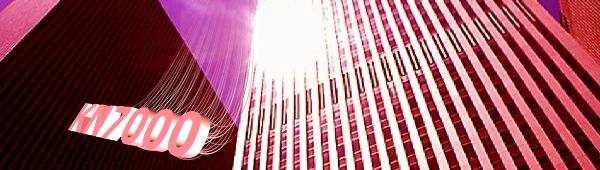
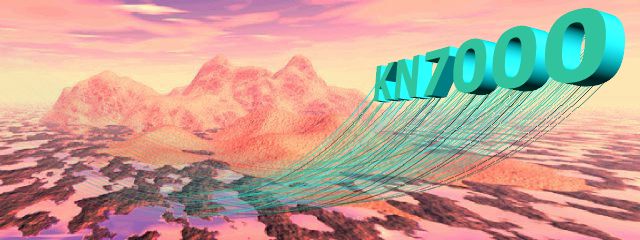
The very first thing a real KN7000 shows at power-on is a 640×240 splash —
three chrome music notes sweeping past the Earth toward a starburst, then the
mirrored “KN7000” logo (identified from a power-on video and matched to the
ROM). Both are JPEGs in the table ROM. (Other 640×240 table-ROM images such as
“Welcome to SX-KN7000” belong to the demo mode, not the power-on splash — see the
demo slideshow section.)
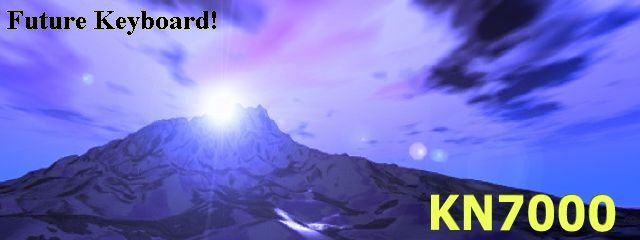
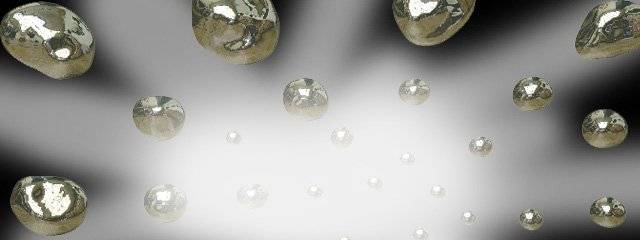
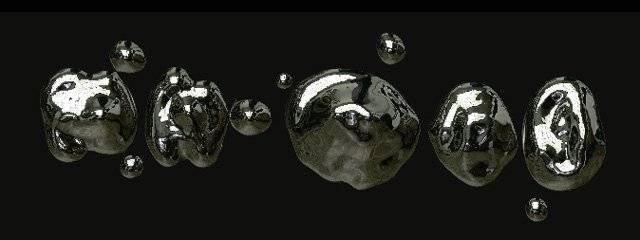
music notes over Earth · table 0x480566E8music notes (2-note frame) · table 0x4805A32E"KN7000" chrome logo · table 0x48066517"KN7000" logo variant · table 0x4806B954
Because these frames are present in the dumped ROM, the emulator’s blank/green
boot screen is a display-path bug (the firmware not decoding/blitting these JPEGs),
not missing data — see User Data & Initial Data Disk.
Program ROM — icons & product photos
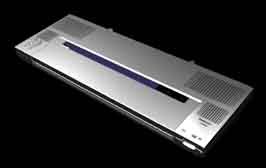
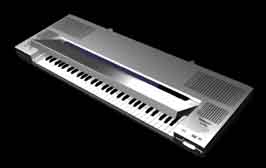
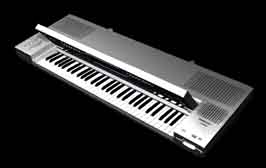
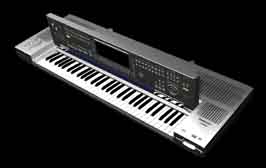
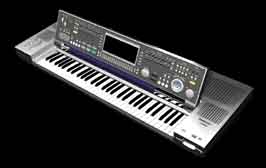
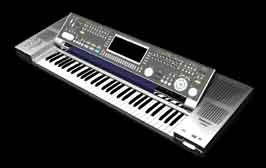
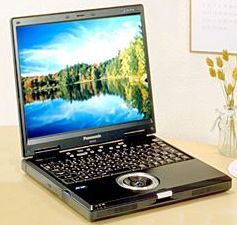
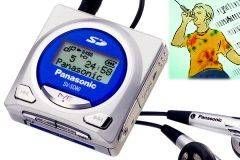
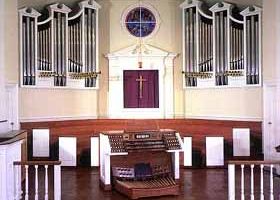
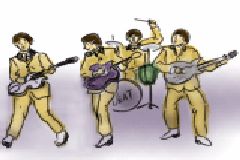
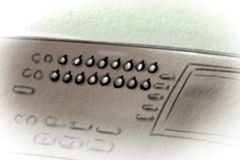
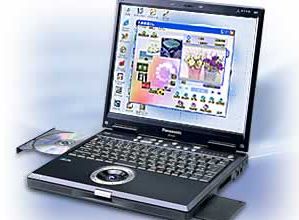
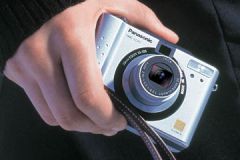
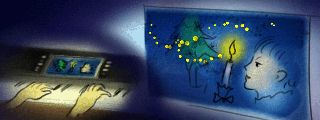
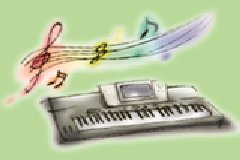
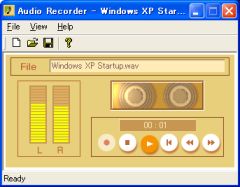
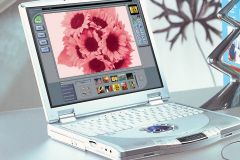
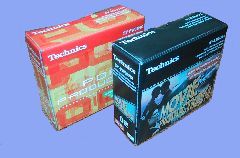
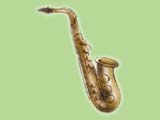
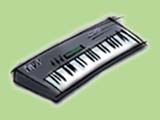
The program image embeds a treble-clef LCD icon, a default music-stand photo, artistic demo art, and a series of Technics KN-series product photographs.
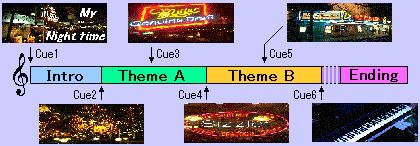
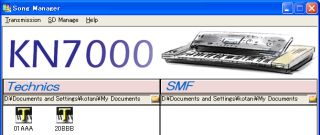
The 57 JPEGs that occupy their own table-directory segments are the built-in demo-song slideshows — KN7000 splash screens, ORGAN / Accordion title cards, scenery, musicians and dancers, plus graphics for the SD-card and SD Song Manager PC features.
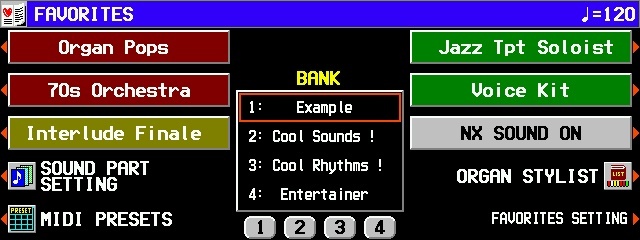
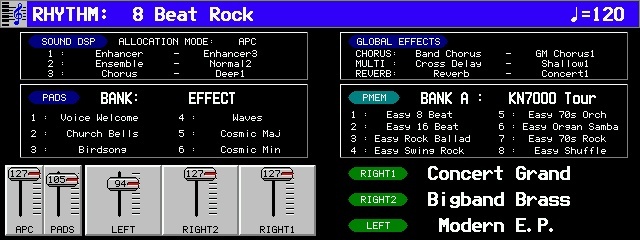
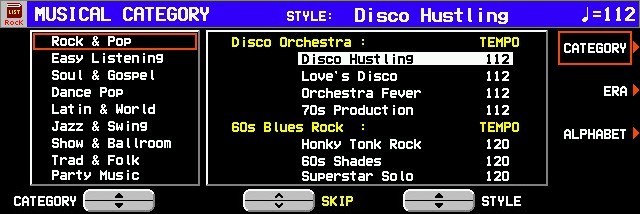
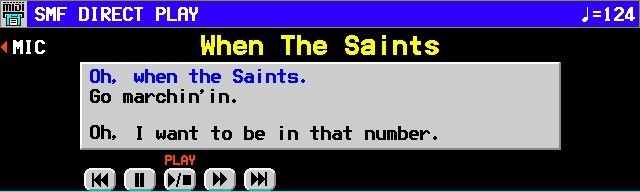
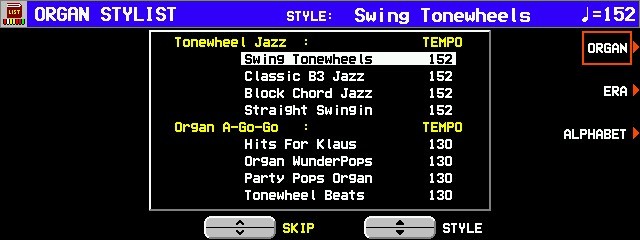
A further 60 JPEGs are packed inside the table’s data segments — more demo art, title cards, and captured LCD UI screenshots (menus such as Direct Play, Sound Categories, Groove Stylist).
A set of 42 small 38×80 BMPs render the on-screen digital drawbars for the KN7000’s organ mode. Each cap is labelled with an organ footage (16′, 8′, 4′, 2⅔′, 2′, 1⅗′, 1′) and a voice abbreviation (Flu=Flute, Tib=Tibia, Cl=Clarinet, Vn=Violin, Vox, Tp=Trumpet, EH=English Horn, Str=String, Kn, Tb), colour-coded white / red / yellow.
Separately from the JPEGs/BMPs above, the table ROM holds 293 headerless
palette-indexed bitmaps — the same storage design the KN5000 uses. They are
reached through a pointer hierarchy: a master directory at table file 0x200
points to sub-tables of {width, height, pixel_ptr} records; the pixel data is
raw 4/8bpp palette indices. Extract them with table_bitmaps.py.
These are rendered in their true display colours, using the 256-entry
0x00BBGGRR palette found in the program ROM at file 0x32573C (a 16-colour
VGA-style base). The 8bpp icons make heavy use of palette index 0xF7 — the
KN5000’s transparent index — another echo of the shared codebase.
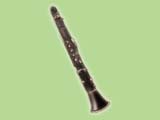
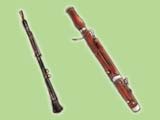
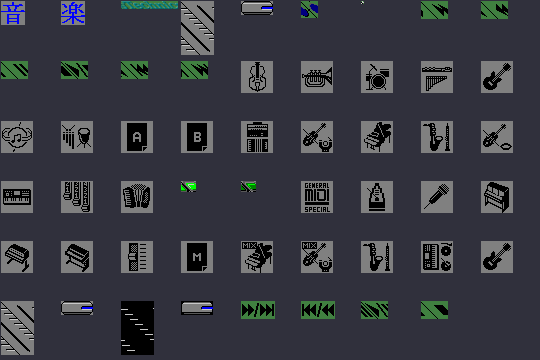
Sound & category icons — 53 variable-size 8bpp bitmaps (sub-table 0):
instrument glyphs, category labels (including the Japanese 音楽 = “music”), and
a GENERAL MIDI SPECIAL logo.
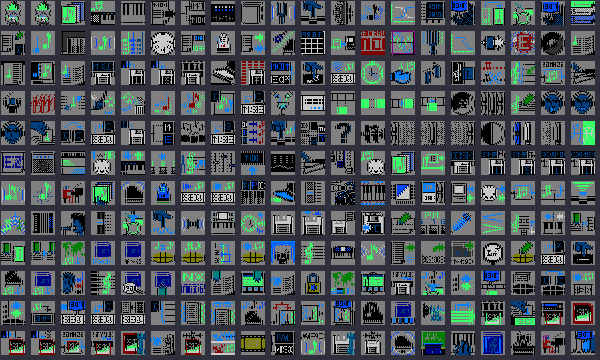
UI icon sprite set — 240 fixed 24×24 4bpp icons (sub-table 2): the main
on-screen interface glyphs (keyboards, screens, arrows, musical symbols, …).